
Payment Link Lifecycle
Understand how a Payment Link moves between statuses and what can be changed after creation.
Overview
Every payment link has a status that controls whether it can accept payments. Links start as ACTIVE when you create them and can move to DISABLED, EXPIRED, or USED depending on how you configure them and how customers interact with them.
%%{init: {'flowchart': {'curve': 'linear'}}}%%
flowchart LR
    classDef active fill:#16a34a,stroke:#15803d,color:#fff
    classDef muted fill:#64748b,stroke:#475569,color:#fff
    classDef terminal fill:#dc2626,stroke:#b91c1c,color:#fff

    ACTIVE:::active <-->|"Disable / re-enable"| DISABLED:::muted
    ACTIVE -->|"expires_at passes"| EXPIRED:::terminal
    ACTIVE -->|"max_usages reached"| USED:::terminal
    DISABLED -.->|"expires_at passes"| EXPIRED
Disabling and re-enabling a link
If you need to temporarily stop a link from accepting payments - for example, because you've spotted suspicious activity, or you're pausing a campaign - you can disable it.
You can do this from the Lean Dashboard by finding the link and toggling its status, or via the Payment Links API.
Send a PATCH request to update the link status.
curl -X PATCH https://api.leantech.me/payment-links/v1/018e1f2a-3c4d-7e8f-9a0b-1c2d3e4f5a6b \
  -H "Authorization: Bearer <your_token>" \
  -H "Content-Type: application/json" \
  -d '{ "status": "DISABLED" }'
To re-enable the link, send the same request with "status": "ACTIVE".
curl -X PATCH https://api.leantech.me/payment-links/v1/018e1f2a-3c4d-7e8f-9a0b-1c2d3e4f5a6b \
  -H "Authorization: Bearer <your_token>" \
  -H "Content-Type: application/json" \
  -d '{ "status": "ACTIVE" }'
Customers attempting a payment with a disabled link see an error page.
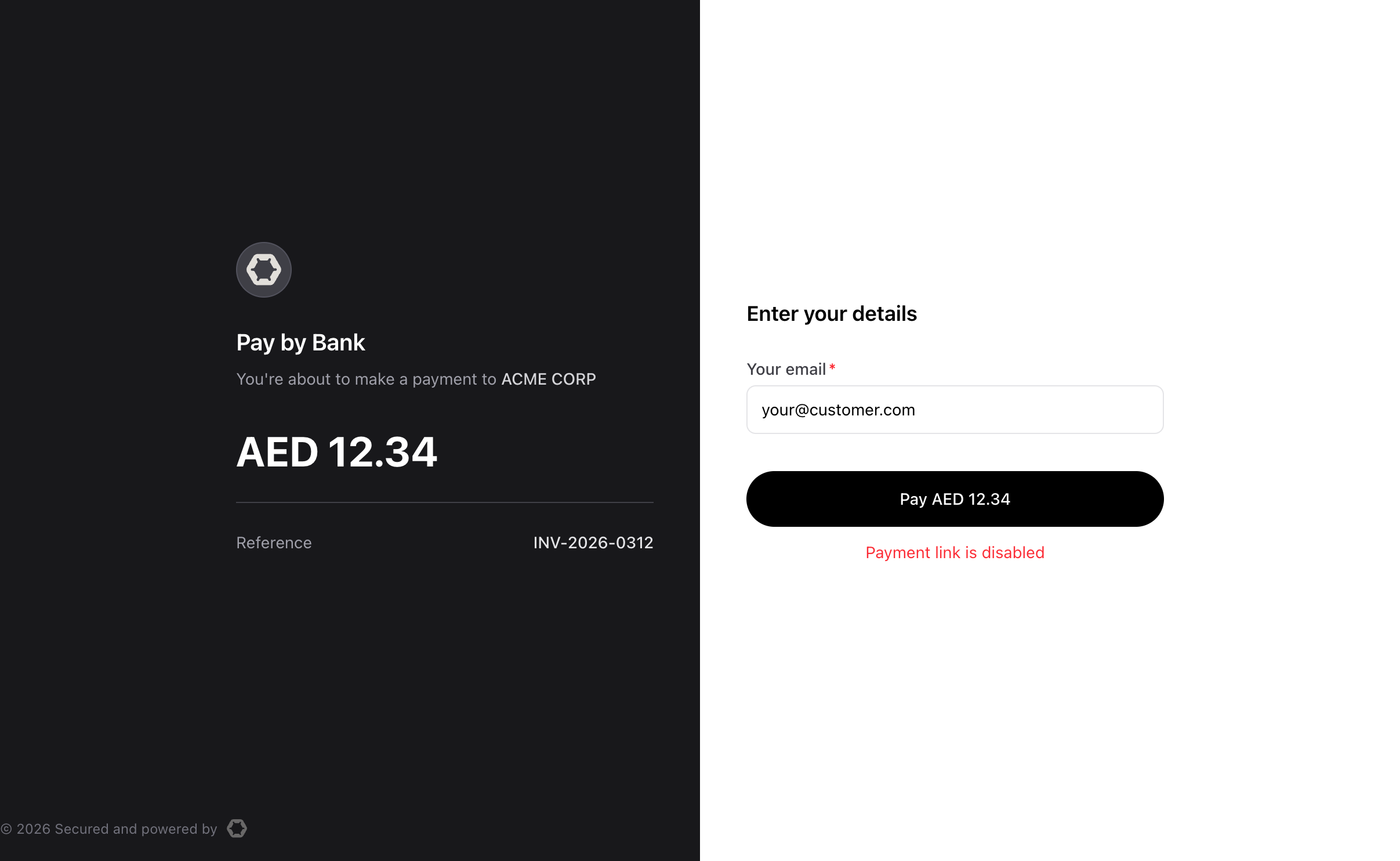
Payment attempt on disabled link
Setting an expiry date
Use link expiration when you want a link to automatically stop accepting payments after a specific time - useful for time-limited invoices, event ticket sales, or promotional offers. Set it when creating the link:
{
  "expires_at": "2026-06-30T23:59:59Z",
  "redirect_url": "https://yoursite.com/checkout/complete",
  "payment_details": { ... }
}
One thing to be aware of: expiry is evaluated at the moment a customer tries to use the link, not on a background timer. This means the link's status might still show ACTIVE in the API for a brief period after expires_at passes — it transitions to EXPIRED the next time someone attempts to open it.
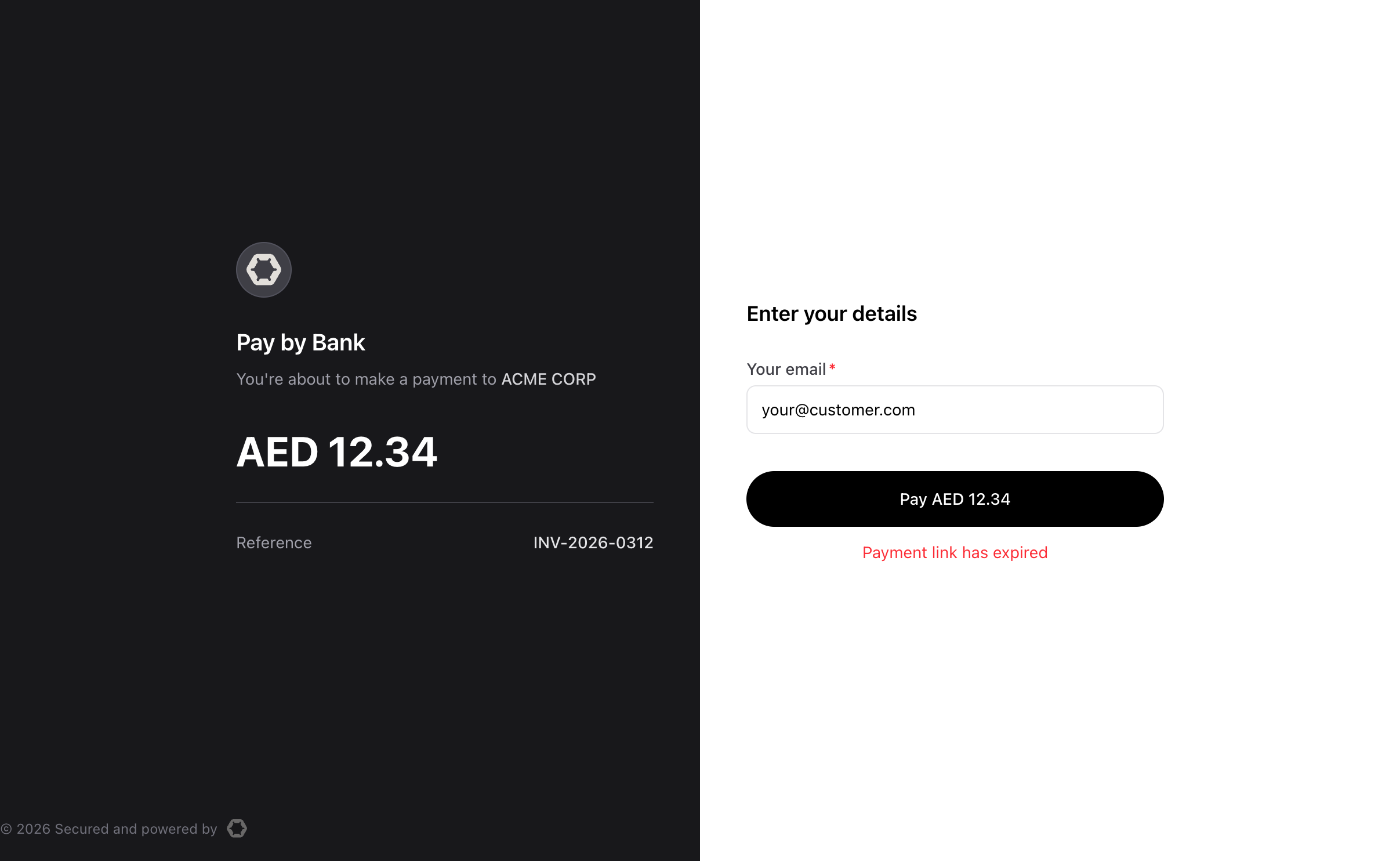
Payment attempt on expired link
Limiting usage
Use Payment Link max usages to automatically stop accepting payments after a specified number of uses. This is useful for limited-use promotion codes. By default, a link accepts up to 1,000 completed payments.
{
  "max_usages": 1,
  "redirect_url": "https://yoursite.com/checkout/complete",
  "payment_details": { ... }
}
The current usages count reflects only completed payments - customers who are mid-flow (on the bank authorization step, for example) don't count toward the total.
When completed payments reach max usage limit, Lean automatically sets the link to USED.
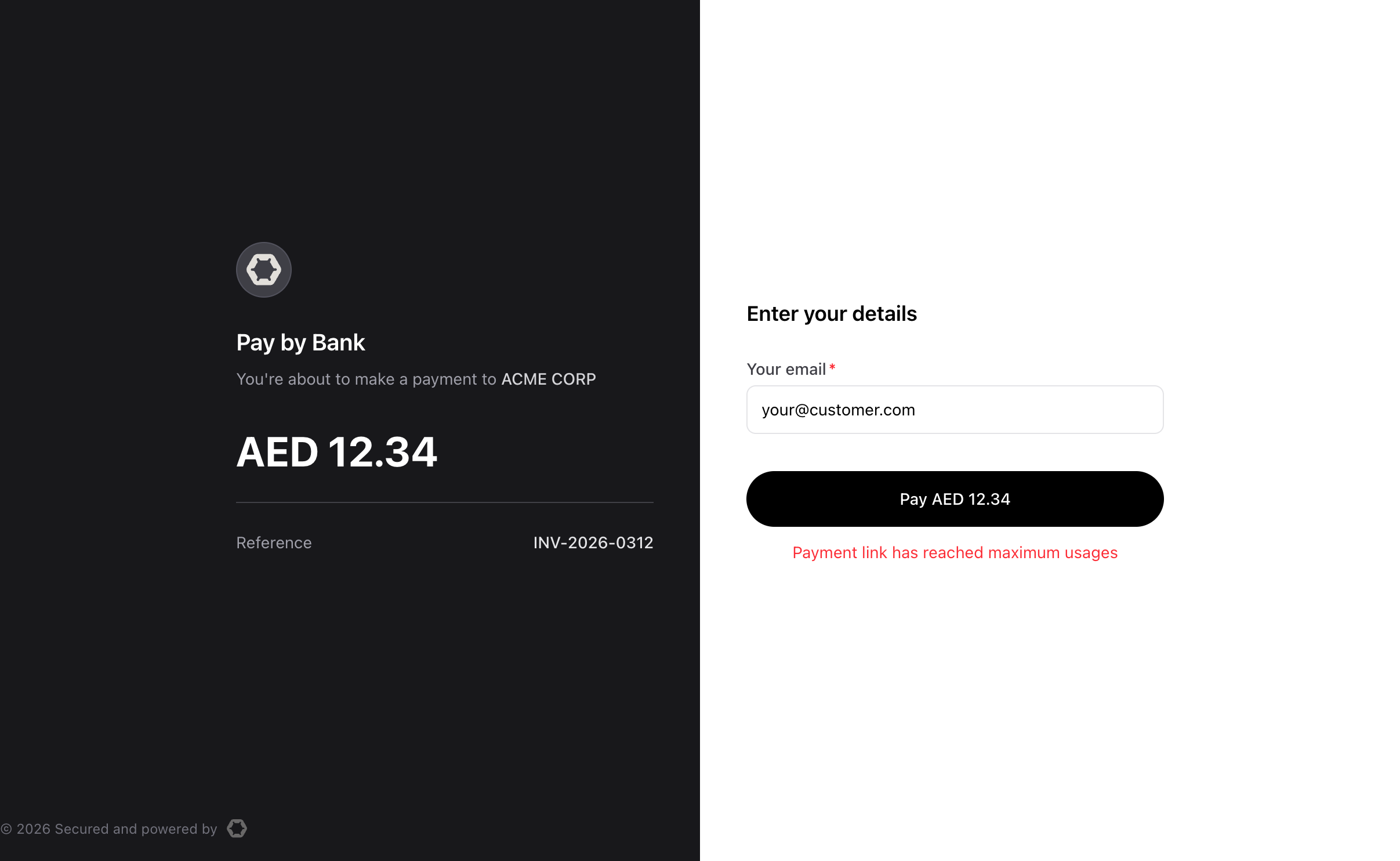
Payment attempt on used link
Terminal states
EXPIRED and USED are terminal states.
Once a link reaches either state, it cannot be re-enabled through the API or the Dashboard.
Create a new link if you need to continue accepting payments with the same configuration.
Updated 23 days ago