
Getting set up
Getting Started
To use Lean and access real-time, accurate financial data, you need to create an account at https://dev.sa.leantech.me.
RecommendedFor business continuity, we recommend you to create a new mailing group dedicated to Lean's integration (i.e:[email protected]) and add all the relevant employees to this group. Then, developers/employees can be added/invited to your sandbox account via our Developer Portal's "Team" feature/section.
Sandbox & Production endpoints
To make testing and developing with Lean quick and easy, a set of sandboxed API endpoints are provided at https://sandbox.sa.leantech.me. While using the Sandbox you will not need to set up certificate authentication with the services you are using and you can test the retrieval and display of each of the endpoints with mock data.
Sensitive data in sandboxDue to the nature of sandbox being a testing environment, we recommend not to use any sensitive data (like personal identifiable information) when testing data or payments.
When you are ready to go into production or start testing with live data, you will need to activate your application for production use and switch your api calls to https://api2.sa.leantech.me/.
Your Application
We make an application for you when you first register with Lean. By default we use your organization name for your application name but feel free to change it by going to the "Settings" tab on the left, along with the logo and description.
Application Token
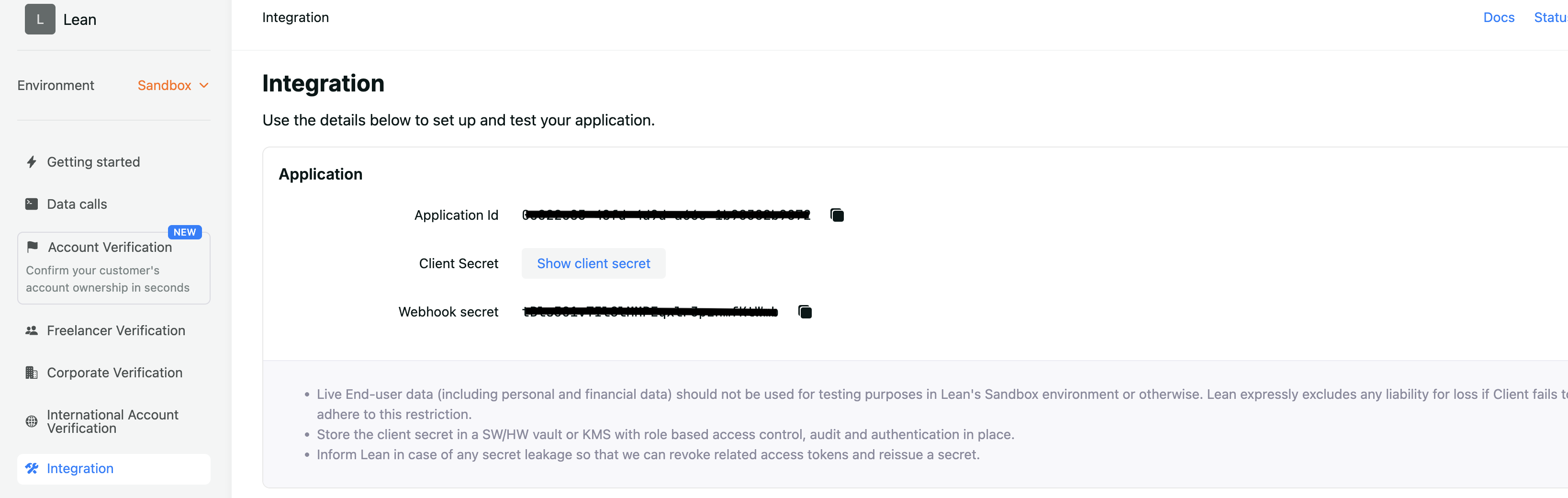
The application token serves as an identifier to all communications your software makes with Lean. You'll find your application token in the Authentication tab on the left. You should store the value of your application token in your codebase as an environment variable.
Updated 5 months ago